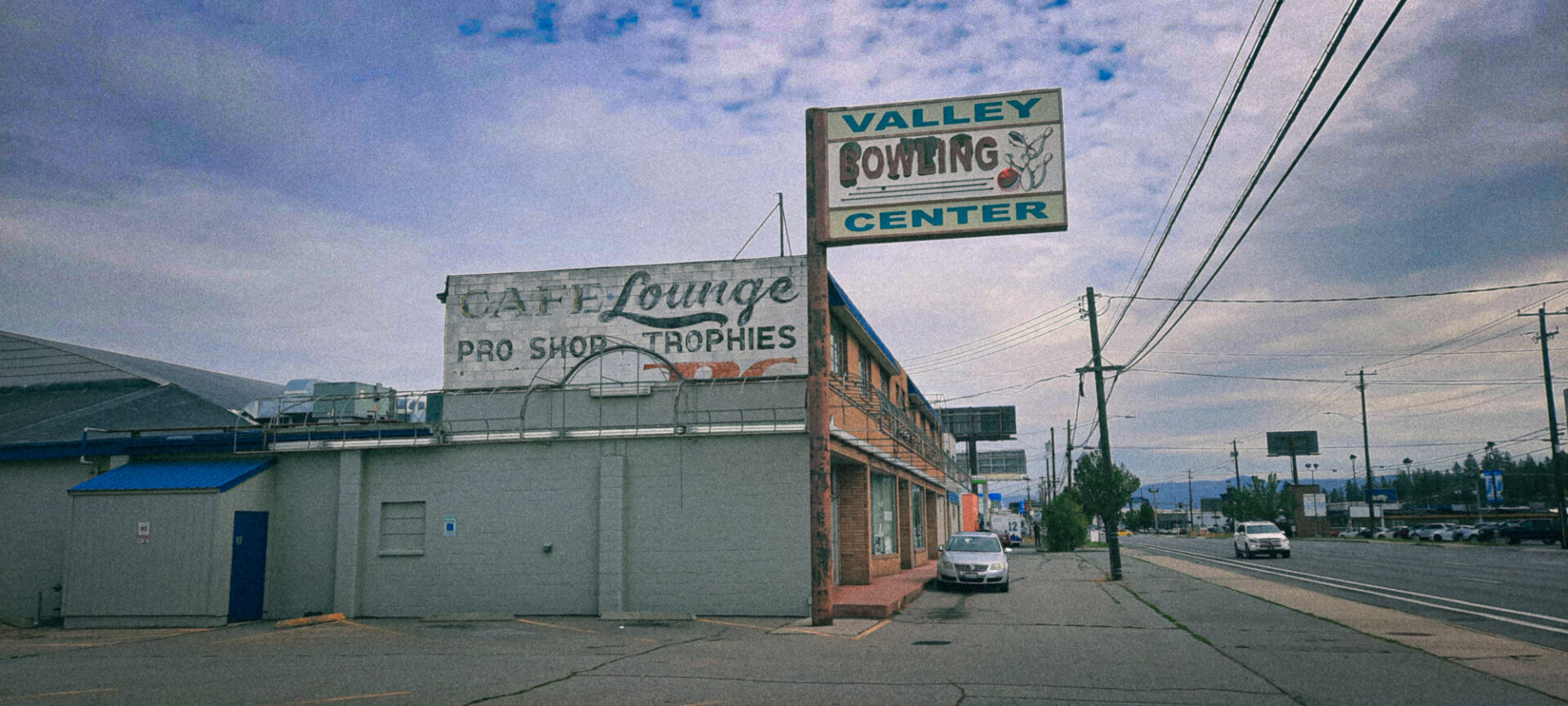
This morning I gave a demo on color correction and color grading. The goal of the demo was to teach students how to record actions that will allow them to apply basic corrections in Photoshop with the click of a single button. I follow a procedure that involves compressing the tone range of an image to bring out highlight details, adjusting the overall curve of the image to fit within a printable range, and then adding some color grading layers that they can then use opacity adjustments to make finite changes to the overall look and feel to the image. The process is completely no destructive and offers infinite creative options.
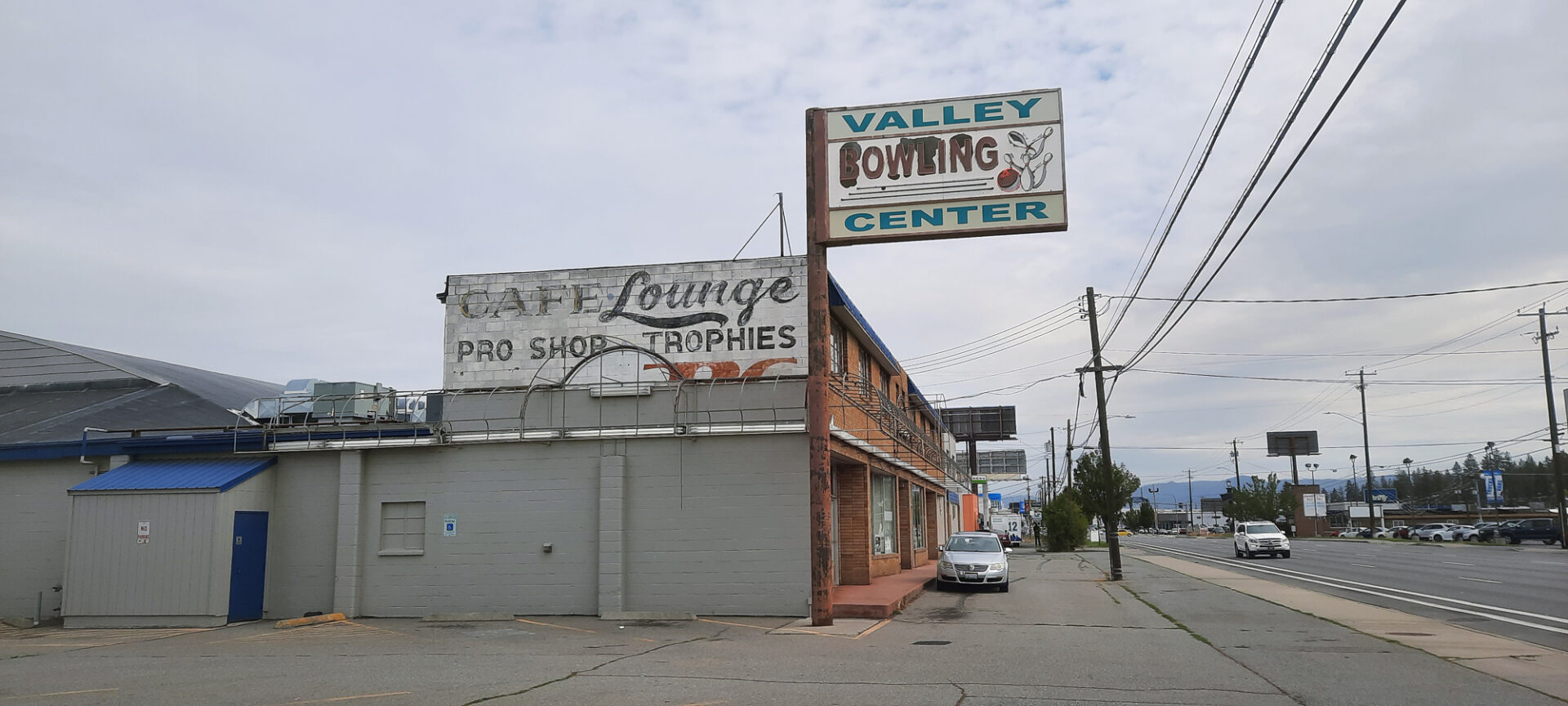
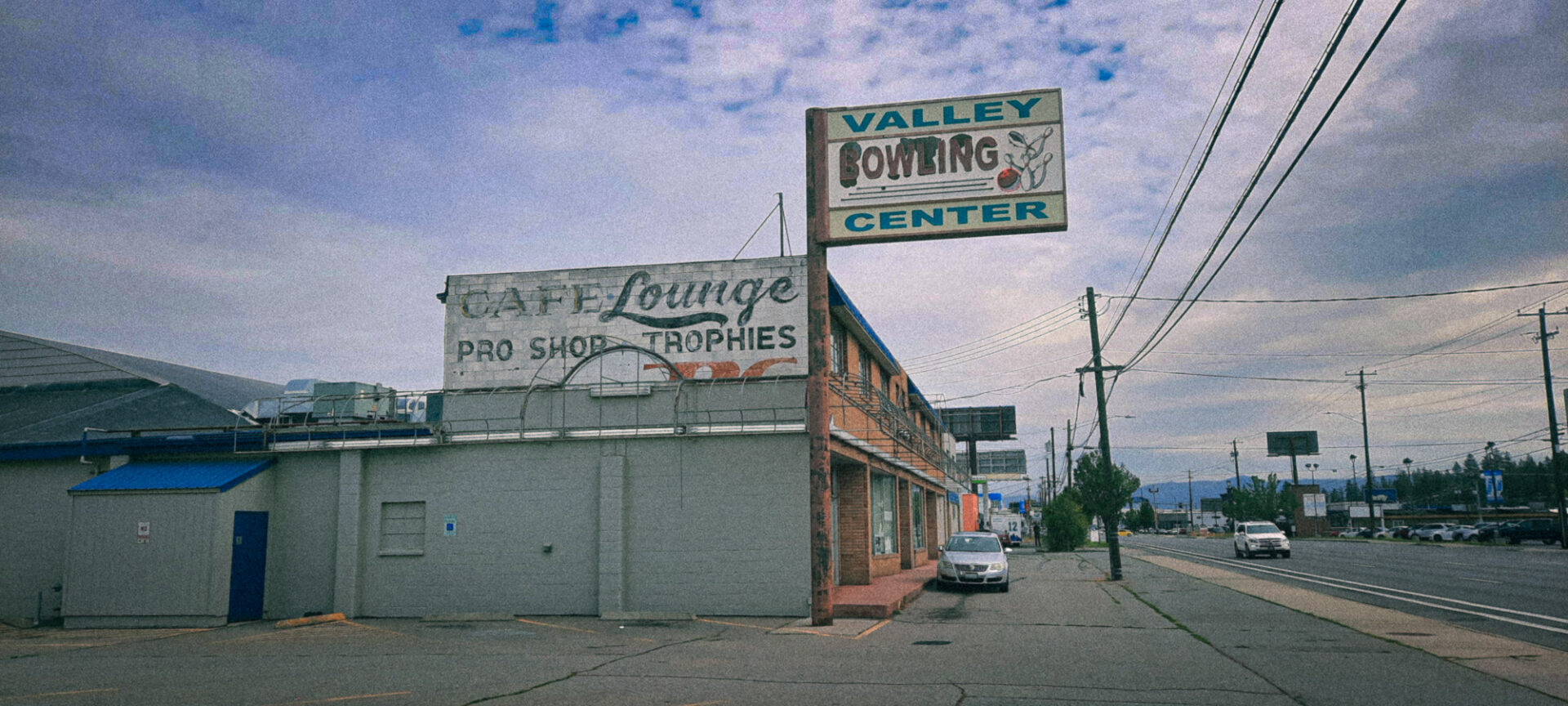
I selected this image of a old bowling alley. I have fond memories of bowling as a kid and even had my own bowling ball engraved with my name. My fat fingers couldn’t fit into the holes when I got older so I gave it away to Goodwill. When I look at this image I can’t help but hear the word dude!